
Karaoke at 60 km/h
He laughs and sings along while driving at night, friend smiling beside him, city lights sliding past
Image to Video
Try this prompt
Free AI video maker · no sign-up
Type an idea or drop a photo, and PixViral turns it into a lifelike clip for Reels, Shorts and WhatsApp in about a minute. Then polish it with free photo tools that never upload your files.
Seven generators, one simple flow: describe or upload, pick a shape, press create.
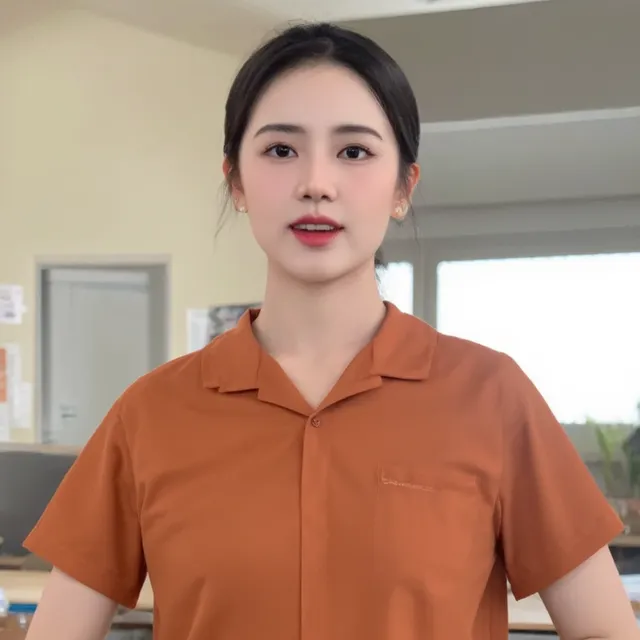 AI Character GeneratorCreate a face and keep it
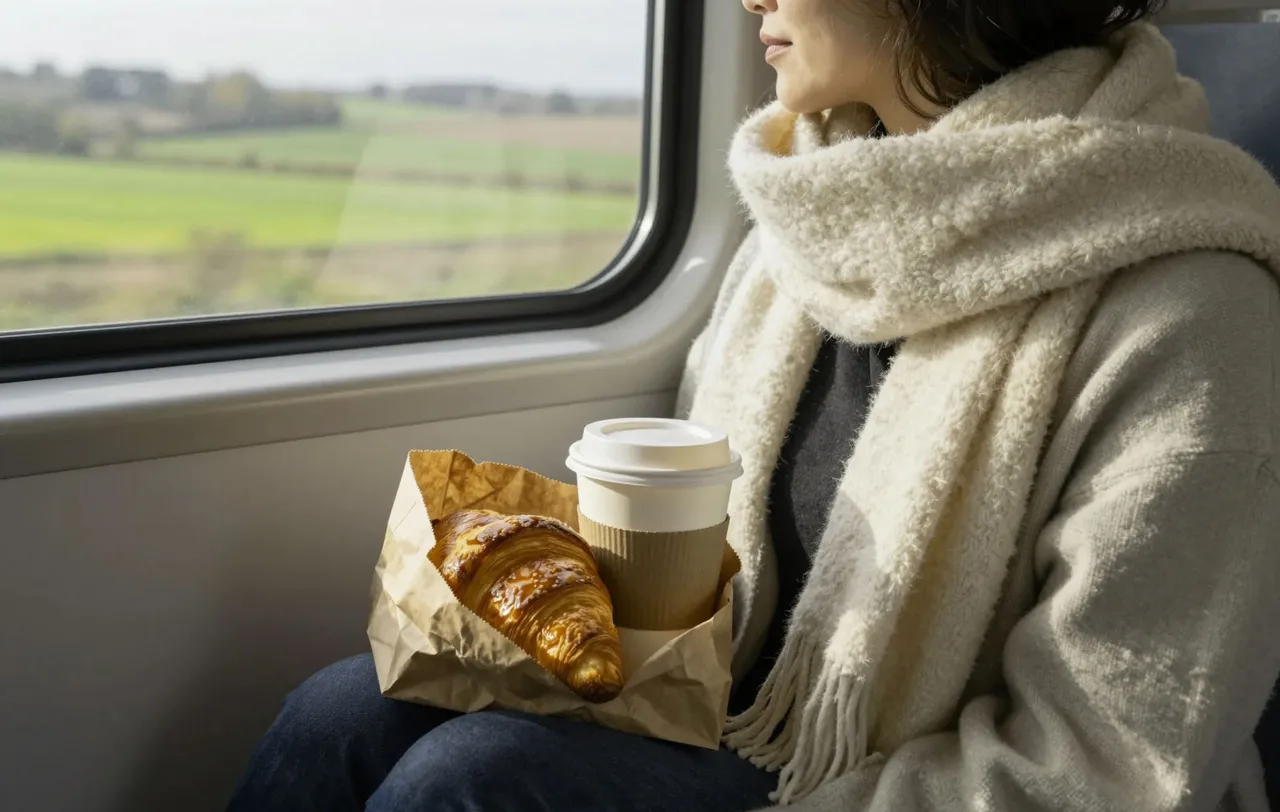 AI Image GeneratorRealistic pictures from text
Video RestyleSame motion, new look
AI Image GeneratorRealistic pictures from text
Video RestyleSame motion, new look
Resize for Instagram, shrink a photo for WhatsApp, turn a PNG into a JPG or cut a perfect circle for your profile picture. These run inside your browser, so your pictures stay on your phone.
Pick a portrait, choose a motion — smile, wave, laugh, look up — and PixViral fills in the in-between frames. It works on old family pictures, product shots and selfies alike.
Animate a photo
Every clip below started as one sentence. Tap one to see the exact prompt.
He laughs and sings along while driving at night, friend smiling beside him, city lights sliding past
Two detectives question a woman across a small table in a teal-lit concrete room, moody film lighting
Two friends smile and wave at the camera, natural sunlight, slight breeze
Low close-up of running shoes hitting a dusty road at sunset, slow motion, dust catching the light
Aerial shot flying between glass skyscrapers, round towers below, cool morning haze
A young woman in a wide black hat turns toward the camera at an outdoor garden party, soft overcast light
Hooks for Reels and Shorts, B-roll you couldn’t film, a recurring AI character for a series.
Making videos people finishA café pouring its morning chai, a boutique’s new arrivals, a salon’s festive offer — without a shoot.
10 Reel ideas for shopsDiwali, Eid, Christmas and birthday greetings for WhatsApp status, and old photos that smile again.
Festival greeting videosEvery image at the right size for every platform, compressed and ready to post in a couple of clicks.
Social media size guideWho’s in the shot, what happens, where it is. Or start from a picture you already love.
9:16 for Reels, Shorts and status, 16:9 for YouTube, 1:1 for the feed. Short or long clip.
Save the MP4, add your music in any editor, or join three clips into a captioned reel right here.
Short, practical guides with prompts you can copy.
Yes. Every tool is free to use, with no credits, plans or watermark. The site is supported by advertising, and each visitor gets 10 videos and 25 images per hour so the GPUs stay quick for everyone.
No. Open any tool and start. Your recent creations are remembered in your own browser for 24 hours — there’s no account to make or remember.
Most clips are ready in 40 to 90 seconds. Images take 5 to 15 seconds. You can keep the tab open in the background while it renders.
You choose the shape before you create: 9:16 for Reels, Shorts and WhatsApp status, 16:9 for YouTube, or 1:1 for feeds. Clips are about 3 or 5 seconds long and download as MP4.
Yes — the Photo Animator adds a gentle smile, blink or nod to a portrait. Only animate photos of people who would be happy about it, and tell your family it’s an animation.
No. The free photo tools (resize, compress, convert, crop and more) work entirely in your browser, so your images never leave your device.
Yes, within our terms: don’t copy other brands or characters, don’t impersonate real people and don’t mislead anyone. Generated clips have no sound, so add music you have the rights to.
No. Every person in PixViral’s examples is AI-generated. Nothing here shows a real individual.
No account, no watermark, no software to install.
Make a video now

