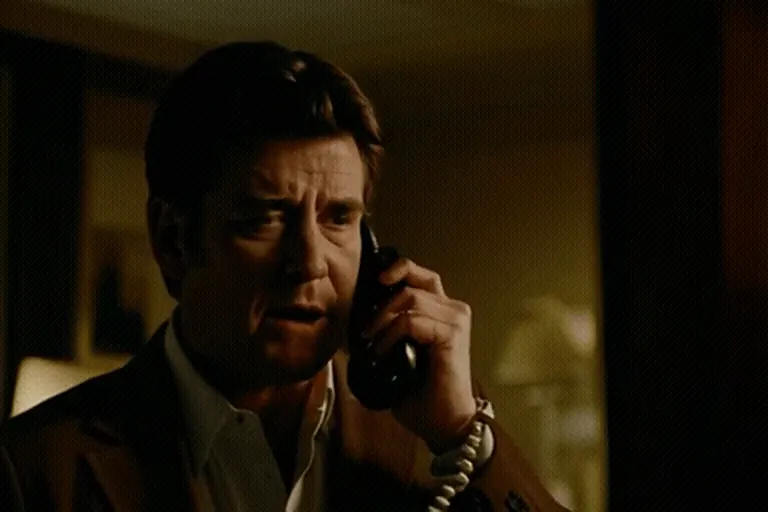
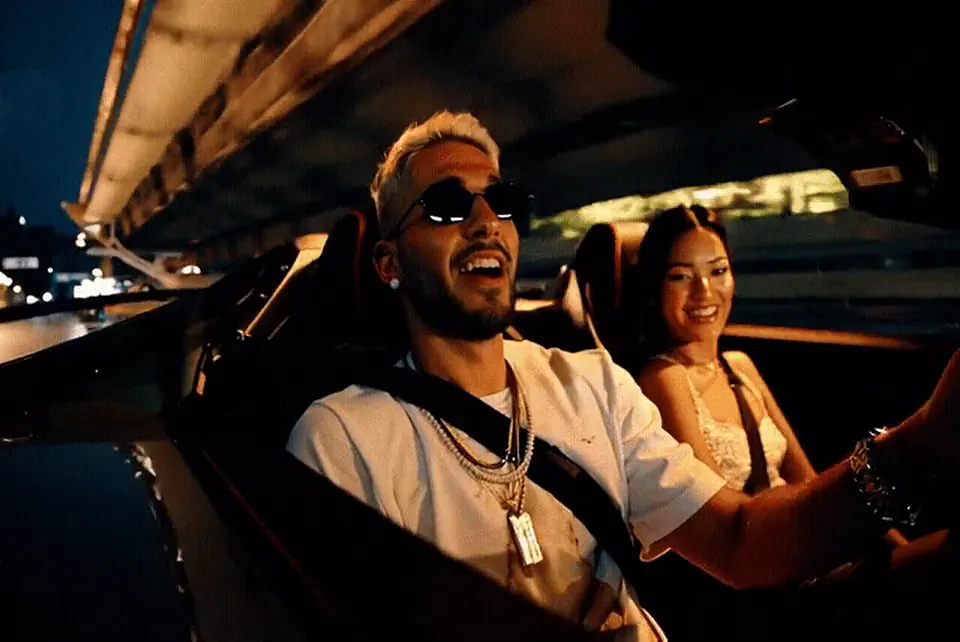
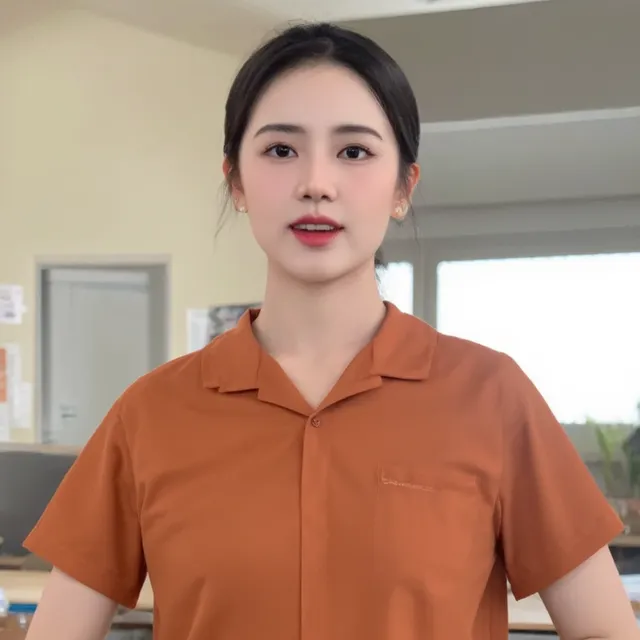
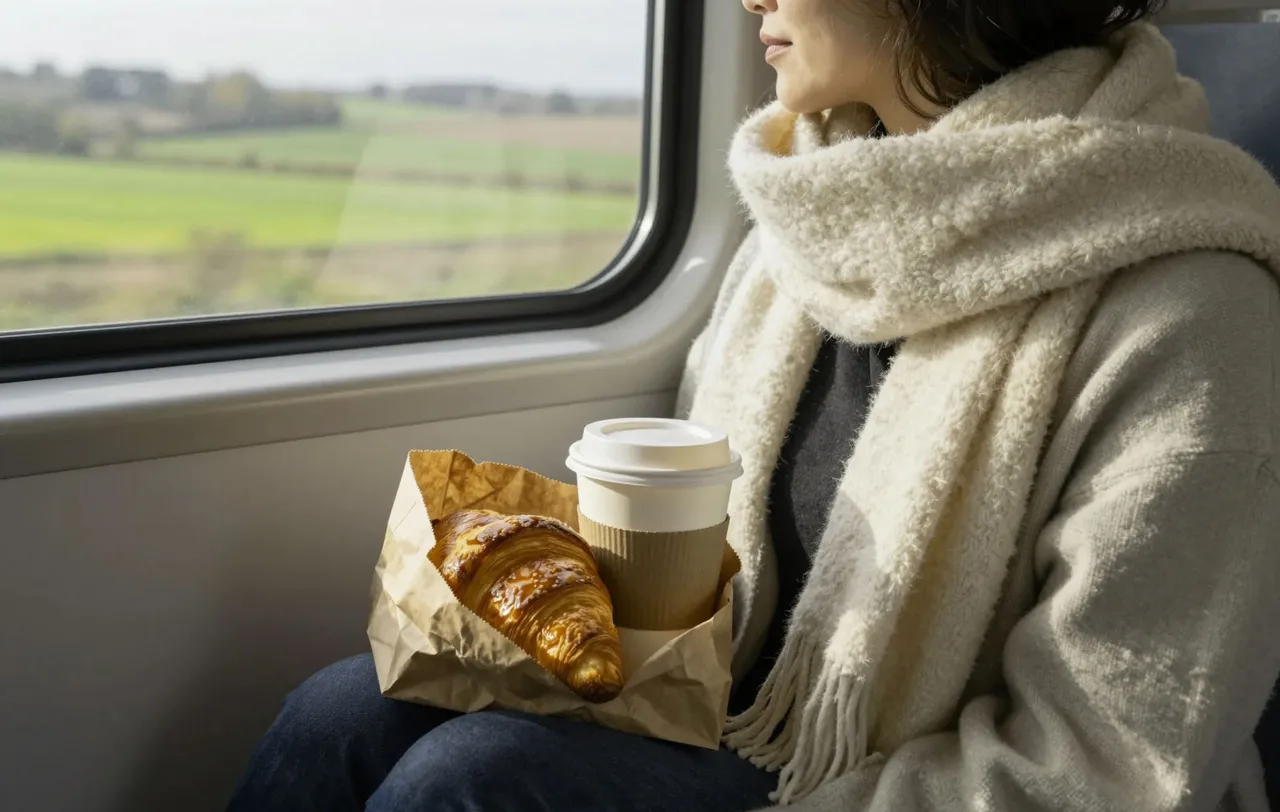
A woman in a beige coat scrolls her phone in a pine forest, sunbeams through the trees, gentle handheld camera
Image to video AI
Start from your own picture. Your photo becomes the first frame, and PixViral works out how the scene should move from there.
Example. Your video will appear here
Starting
0:00 elapsed, usually about 1 min
You can scroll down and read while you wait. We’ll keep rendering.
Something went wrong.
Saved for 24 hours. Download it to keep it.
Your recent creations
Stored only in this browser. Files expire 24 hours after they were made.
Examples made with AI
A white SUV drives down a dusty mountain trail, tracking shot from behind, pine trees and blue sky
A duck waddles straight toward the camera along a wooden plank, low angle, overcast light
A raccoon leans on a tennis court fence and looks around curiously, shallow depth of field
How to use Image to Video
Upload a photo
JPG, PNG or WebP, up to 8 MB. One clear subject and good focus give the cleanest motion.
Say what should move
Name the moving parts and the camera direction, or leave it empty for natural motion.
Download the MP4
Most clips are ready in about a minute. Save it before it’s deleted after 24 hours.
Which photos turn into good videos
Image to video works best when something in the picture could naturally move. Water, smoke, clouds, hair, fabric, leaves and distant traffic all give the AI an obvious job. A flat photo of a wall gives it nothing, so you end up with a wobbly zoom.
- Travel shots: a hill station view with mist rolling in, a boat on a backwater, a beach at sunset.
- Food and products: steam from a plate of biryani, a slow orbit around a watch on a marble table.
- Art and illustrations: paintings, posters and digital art often animate with real charm.
- Portraits: for faces, the photo animator has ready-made motions like Smile and Wave that keep features steadier.
Writing the motion prompt
You don’t need to describe the picture. The AI can already see it. Spend your words on what moves and how:
- What moves: “the dupatta flutters”, “waves roll in”.
- Which direction and how fast: “slowly”, “from left to right”.
- What the camera does: “static camera”, “slow push-in”, “gentle orbit”.
Leaving the box empty is fine too. PixViral will choose a natural, gentle motion for the scene.
Tips from people who use it daily
- Crop to the shape you want before uploading. The video keeps your photo’s shape, so a portrait photo gives a portrait clip. Our free crop tool takes a few seconds.
- Pick Short if the subject must stay very close to the original. Long gives more movement but more drift.
- Product sellers: a clean background and a “slow orbit” prompt make an easy catalogue video.
What it can’t do yet
Only the first frame is truly your photo. Every frame after that is generated, so small details such as logos, printed text and jewellery can shift a little as the clip plays. It also can’t invent motion the scene doesn’t support: a calm lake won’t believably turn into a storm, and a person won’t walk out of a tightly cropped headshot. The clip is silent, and it’s a single shot of about 3 or 5 seconds.
Please upload only photos you took or have permission to use. More on that in our content policy.
Prompts to try
- Clouds roll slowly over the mountain ridge, grass moves in the wind, gentle pan to the left
- Waves wash up the beach and pull back, the camera slowly rises above the shoreline
- The camera circles a perfume bottle on a white marble table, soft reflections, studio light
- Steam curls up from a cup of masala chai, rain streaks down the window behind it
Image to Video FAQ
What kind of image can I upload?
JPG, PNG or WebP files up to 8 MB. A sharp photo with one clear subject works far better than a busy, blurry one.
Will my video be portrait or landscape?
It follows your photo. Upload a vertical picture and you get a vertical clip, ready for Reels and Shorts, with nothing stretched.
Why did the face or logo change slightly?
Only the opening frame is your original image; the rest is generated. Calm motion and the Short length keep the result closest to your photo.
Do I have to write a prompt?
No. Leave it blank and PixViral adds natural movement. A short prompt helps when you want something specific, like a slow orbit around a product.
Is my photo kept on your server?
Only as long as needed. Uploaded photos and finished videos are deleted from our server after 24 hours.
Can I turn an old family photo into a video?
Yes. For faces, the photo animator usually gives a more natural result. Our guide on turning old photos into video covers scanning and cleanup too.
Is there a limit?
You can make up to 10 videos per hour for free. No account or payment is needed.