How to use Video Restyle
Upload a short clip
MP4, WebM or MOV up to 16 MB. The opening seconds of the clip are used.
Describe the new look
Name a medium, a colour palette and a mood. Leave the subject as it is.
Restyle and download
This takes a little longer than other tools because every frame is repainted.
What video restyle actually does
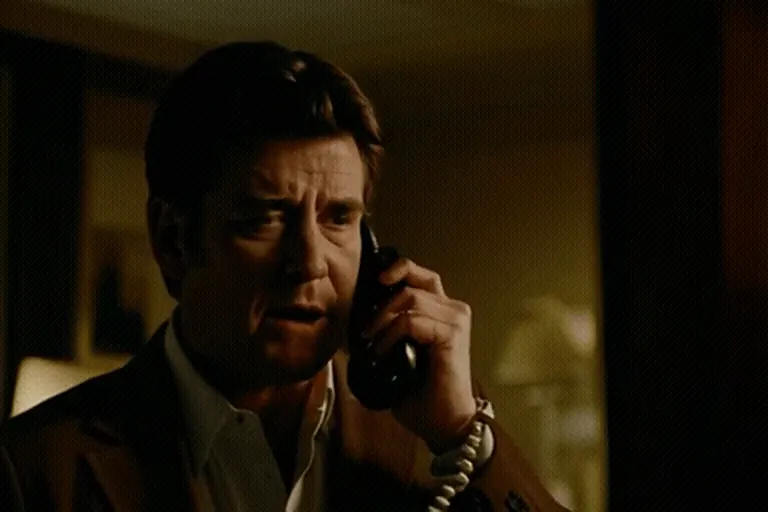
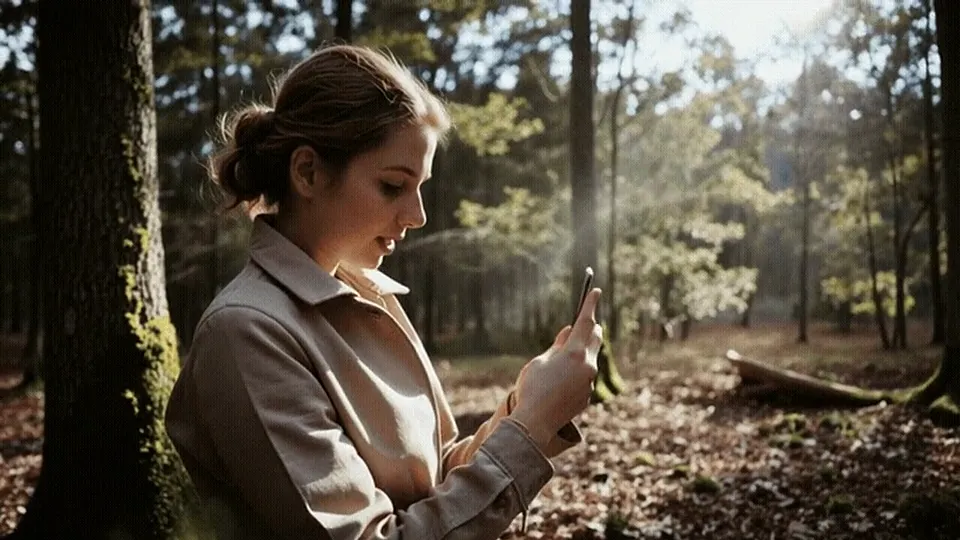
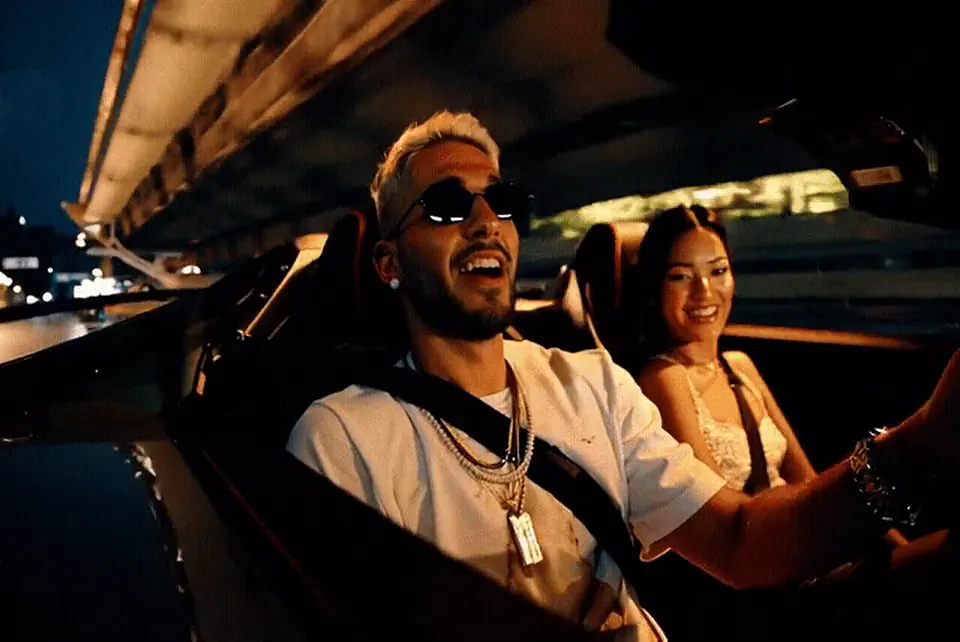
Restyle keeps the movement of your footage and changes how it looks. Your friend’s dance step, the way a car turns a corner, the swing of a camera pan: all of that stays. The surface becomes oil paint, anime, clay or a snowy winter scene. It’s a quick way to give one ordinary clip several lives.
Clips that restyle well
- Steady footage with one clear subject: a person walking, a dancer, a bike on a road.
- Slow or medium-speed movement. A smooth pan is better than a quick whip.
- Good light. Dark, grainy phone footage gives the AI less to work with.
Your clip is too big? Trim the first few seconds in your phone’s gallery app before uploading. Only the opening seconds are used anyway.
Styles to try
- Painted: oil painting, watercolour, ink sketch, charcoal.
- Animated: anime, 3D cartoon, claymation, paper cut-out.
- New setting: fresh snow, neon city at night, old film with warm grain, foggy black and white.
Keep the prompt about the look, not the action. If you write “a man dancing in the snow” over a clip of someone walking, the AI has to fight your footage and the result wobbles. “Fresh snow on the ground and trees, cold blue light” lets the motion stay yours.
Describe the qualities you want, such as “thick brush strokes”, “pastel colours” or “clean outlines”, rather than naming a living artist or a studio.
Ideas for creators
Film a 5 second clip of yourself walking toward the camera and restyle it three ways for a “which version are you?” reel. A wedding videographer can turn the couple’s first dance into a painted teaser. A café can turn a coffee pour into claymation for a playful post. Pull them together with captions and music in the AI Reels Maker.
What it can’t do yet
- The result is silent, even if your clip had sound.
- Output is a short 3 or 5 second clip, not your full video.
- Fast cuts, shaky handheld footage and on-screen text tend to flicker.
- Faces can change a fair amount in strong styles like anime. For a portrait that stays true, the photo animator is the better tool.
Please only upload footage you filmed or have permission to edit. See our content policy.
Prompts to try
- Thick oil painting with bold brush strokes, deep blue and warm gold
- Bright hand-drawn anime, clean outlines, clear summer sky
- Stop-motion clay figures with visible fingerprints, cosy studio light
- Fresh snowfall on everything, cold blue winter light
Video Restyle FAQ
What videos can I upload?
MP4, WebM or MOV files up to 16 MB. The opening seconds are used to make a restyled clip of about 3 or 5 seconds.
Will my audio be kept?
No, the restyled clip is silent. Add the original sound or music back in an editor or the AI Reels Maker.
Why does restyle take longer than other tools?
Every frame of your footage is repainted one by one, which is more work than creating a clip from a single image.
Why is my result flickering?
Quick cuts, shaky camera work and small on-screen text are the usual causes. Try a steadier clip with one clear subject.
Can I name a famous art style or studio?
Describe the look instead: colours, textures and line style. Naming living artists or studios is not allowed and usually works worse anyway.
Is my uploaded video stored?
Uploads and results are deleted from our server after 24 hours.
Does it count toward my limit?
Yes, each restyle counts as one of your 10 free videos per hour.